A Telegram assistant for private practice that takes over your admin routine
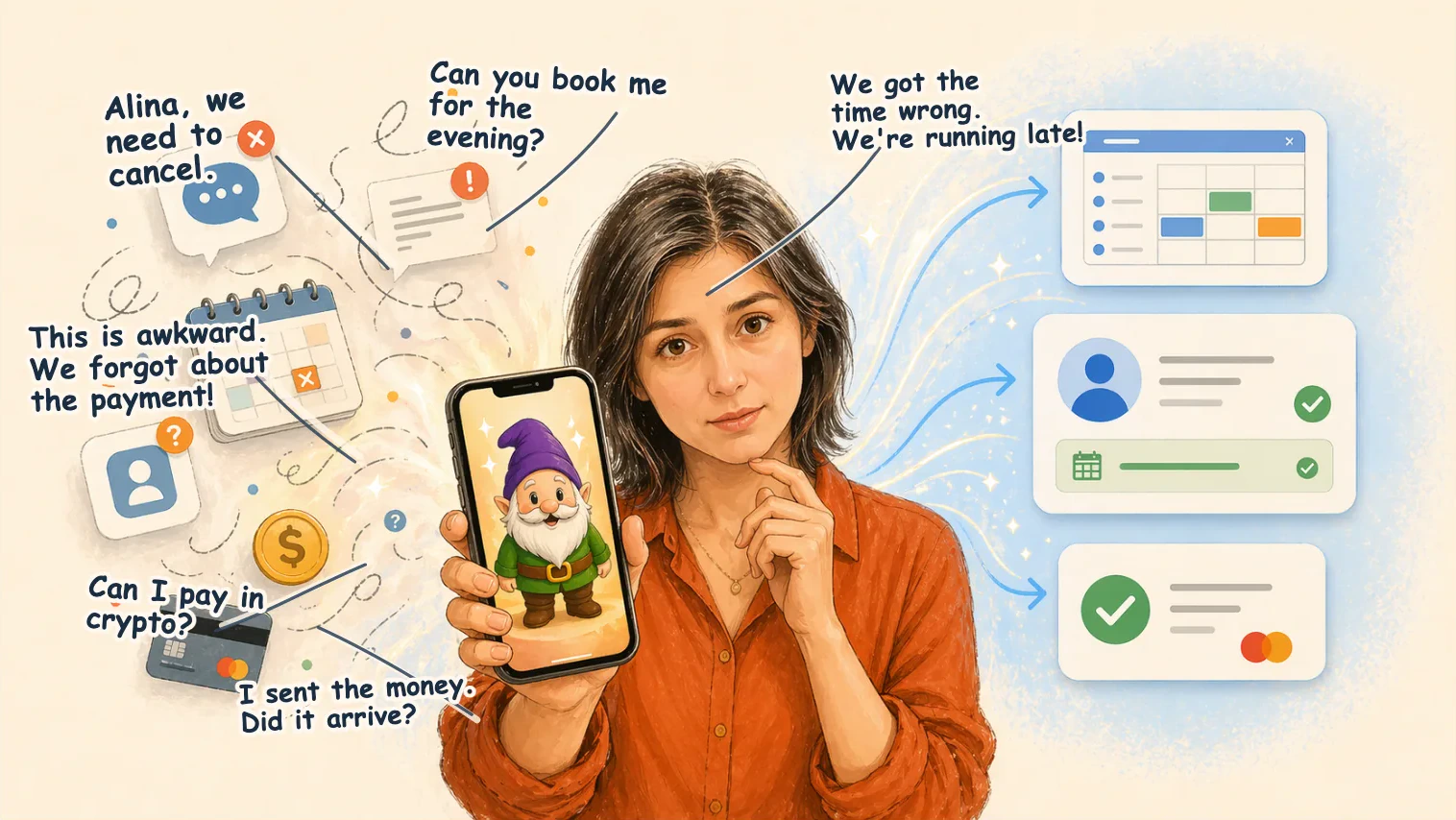
Bookings, reschedules, reminders, and payments quickly become a job of their own when you run a private practice. Clients write in chats, appointments move, links get lost, and payments still need to be checked by hand. Each piece may look small, but together they take attention and time.
Gnomik takes this routine on: it keeps your schedule in order, helps clients book appointments, reminds everyone about meetings, and keeps payment follow-up visible.
With Gnomik, you get more time, energy, and clarity for your client work.
Scheduling
Gnomik starts from the schedule you already have. If you already use a digital calendar, Gnomik connects to it. If your schedule is still on paper, Gnomik helps move it into a digital calendar it can work with from then on.
After that, you will not need to keep checking the calendar app all day. The evening before, Gnomik sends you a short Telegram overview: which appointments are coming tomorrow and when they start. Before meetings, it reminds you too: 10 minutes before an online meeting, or an hour before an in-person one.
Client booking
Booking clients is not simple: you have to find time in a full schedule, offer several options, and often cannot do it right away. Sometimes agreeing on a meeting time takes days. Sometimes the client drops out in the middle of the discussion and disappears altogether.
With Gnomik, you simply send clients a link where they can quickly book a suitable time. Booking follows your rules: choose several suitable options yourself, or set up working hours so Gnomik can find free windows and offer them to clients.
Gnomik creates the calendar event and, when needed, adds a video-call link. If you work online, it is especially important to agree on the meeting time in the right time zone and show it correctly. Gnomik handles that too: both you and the client see the appointment time and receive reminders in your own time zones. Gnomik knows about daylight saving time changes, warns everyone in advance, and helps adjust the schedule when needed.
Payment tracking
Tracking payments after appointments is not always convenient. You need to remember who has already received payment details, who promised to transfer money later, and who may need a reminder. Talking about money can feel awkward, which makes reminders easy to postpone.
Gnomik sends clients an invoice with the payment details you added: a phone number for transfer, a payment link, or a bank account number. Gnomik asks the client to confirm payment and tells you right away, so you can check the transfer in your banking app. If there is no payment confirmation after three days, Gnomik tactfully reminds the client and highlights it for you.
Gnomik never processes payments itself. Its job is to track payments, remind clients about them, and draw your attention to overdue invoices.

Hi, I am Alina Riaby
I am an emotionally focused therapist, a mother of five, and a grandmother to a little granddaughter.
In 2018, I returned from maternity leave and started working online as a private therapist. At first I had only a few clients, and the organizational routine did not take much time. Gradually, there were more clients, and the amount of admin work grew with them. I realized that scheduling, the calendar, finding time for new clients, rescheduling sessions, and tracking payments were taking a lot of energy.
Instead of spending time with my family, I kept working: between sessions, on weekends, during walks and on public transport, in the morning and in the evening. The admin questions never ended: more clients, more payment options, fewer free windows in the calendar, and more headaches.
At some point I said out loud: "I want to do only the work I love, psychotherapy. Let someone else handle this pile of admin and accounting tasks. I need a magical little helper!"
Surprisingly, I eventually did invent that Gnomik, and I want to share it with you.
Gnomik is a Telegram bot and a small magical assistant. It keeps order in your schedule, helps clients book appointments, creates calendar events, adds video-call links when needed, reminds everyone about meetings, helps avoid losing reschedules and cancellations, and after a session keeps an eye on invoices and payment confirmations.
Gnomik tries to stay unobtrusive and does not interrupt you without reason: it writes only when your attention is truly needed. Gnomik saves your energy and returns your resources to where they are really needed: your clients, your family, and the work you love.
With respect and care,
- Alina
Questions and Answers
Can I use Gnomik if I currently keep my schedule in a paper notebook?
Yes. Gnomik can recognize a photo of your paper schedule and move it into a digital calendar. You do not have to transfer your whole paper archive in one evening; start with upcoming appointments and new bookings, and Gnomik will gradually help gather your working schedule in a digital calendar.
How much will Gnomik cost?
For now, Gnomik is running in pilot mode and does not require payment. We will notify all users at least two months before the pilot ends and explain the paid subscription terms. We expect the monthly price to be comparable to the cost of one specialist consultation. Gnomik will always keep your schedule for free: connecting calendars, reminding you about meetings, and sending the next-day overview.
Do I need to install a separate Gnomik app?
No. Gnomik works as a Telegram bot. You do not need to install any new apps.
Can Gnomik see everything in my calendar?
Gnomik needs calendar access so it can see busy times, create appointments, and send reminders. It does not store appointment information on its own servers; all records remain only in your digital calendar. Read more in the Privacy Policy.
Can Gnomik see my Telegram conversations?
No. Gnomik sees only the messages you send to the Gnomik Telegram bot. Read more in the Privacy Policy.
Does Gnomik accept payments for me?
No. Gnomik does not process payments. Gnomik helps you prepare payment instructions that the client uses to make the payment; we call those instructions an invoice. After the appointment, Gnomik sends the invoice to the client and asks them to confirm payment, then tells you about the confirmation. The final payment check in your banking app remains with you.